- Software
- IQANdesign
-
 Bugs
Bugs

0
Under review
Cannot simulate some variants option in project
I am working on a project with four variants. When I click the Run button in IqanDesign, the simulator only works on one of them.
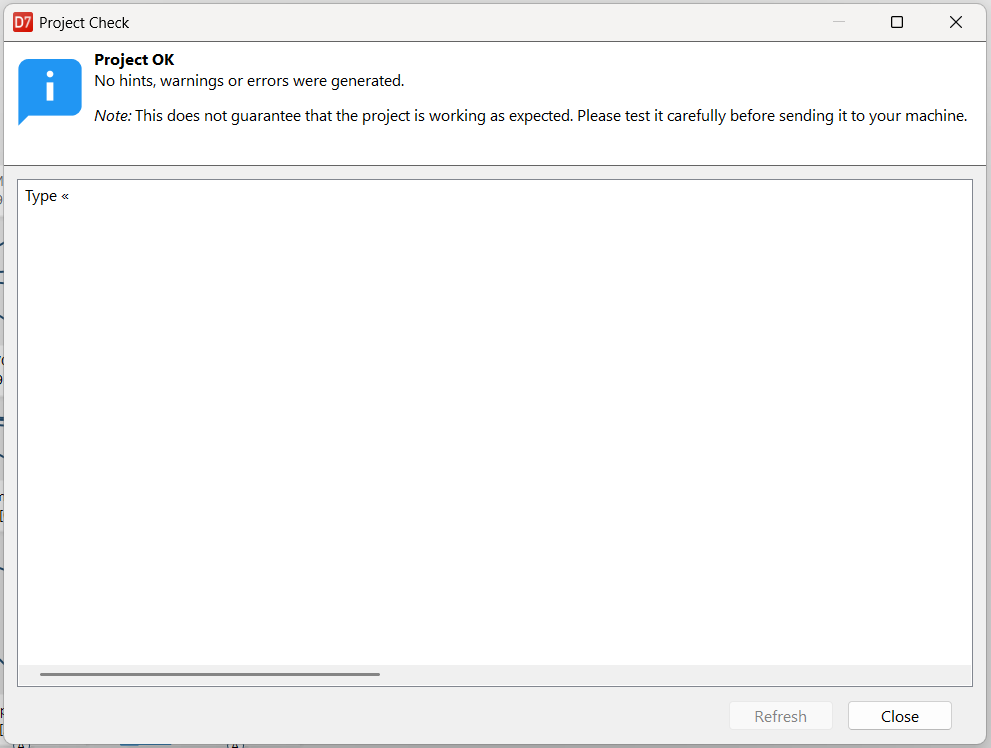
On the other variants, when I click Run, it checks the project and the following window appears, making it impossible to continue:
Customer support service by UserEcho

Which version of IQANdesign ?
To troubleshoot this, it might be necessary to look at the project file. Do you have an IQAN support contact at the local Parker sales you can reach out to?
Good morning, I am using the latest version of IqanDesign (7.05.27.10982).
I will contact my local Parker sales representative to provide them the project file so that they can send it to you.
Thank you. The problem could be seen by exporting the variants that did not simulate.
In the project, a few VOS channels referred to the same channel.
The error was "duplicate FGI name", due to multiple FGIs with automatic name pointing directly to this channel after the export.
A workaround could be to untick automatic name on the FGI that has VOS as input.