
USB Driver error on new Windows 11 PC
I have a new windows 11 PC, I support many legacy IQAN systems and install all versions of IQAN design on my Laptop. I cannot communicate with systems via USB.
carefully read this article "https://forum.iqan.se/knowledge-bases/2/articles/236-usb-no-valid-license-or-incorrect-version" and i do indeed have the correct driver. but in device manager I get this error.
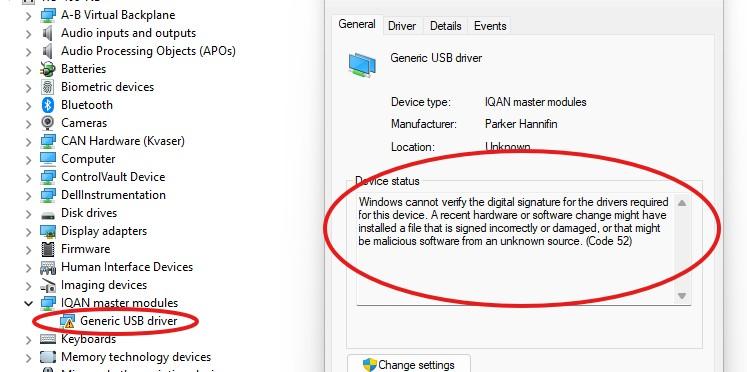
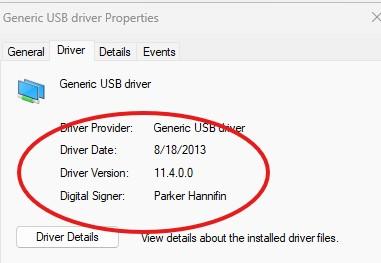
Windows cannot verify the digital signature for the drivers required for this device. A recent hardware or software change might have installed a file that is signed incorrectly or damaged, or that might be malicious software from an unknown source. (Code 52)
I have the identical set up on my old laptop and it has the identical driver but with no error
any suggestions on how to fix this?
Customer support service by UserEcho

This is a Windows 11 "feature". Best option is to have your IT department disable driver signature verification.
https://woshub.com/disable-driver-signature-enforcement-windows/
I've had it happen on numerous old hardware drivers, Cummins Inline 6 for example.