
 Synchronis time with NMEA GPS
Hi
I use a GPS (GARMIN 1020xs) on my product, for this function http://forum.iqan.se/topic/1063339-backlight-auto-adjuste/ I need to know the real time. By using the NMEA (= Canbus), I can read the GPS time, but it is impossible to change the time of IQAN master.
What do you think about this function ?
PS : there are a time synchronisation with the modem ? (cellular operation give time to a cellphone).
Regards

 Force Ouptus in Diagnostics Mode
Is there any way to force outputs in diagnostics mode?.
It is very useful to trace step by step when a problem appears.
Thanks in advance.

Ability to change logic function block quickly by drop down box?
Would it be possible to add an extra drop down box to easily switch the logic block type? When sending safety signals between modules, I often copy and paste the APP OUT into the new module so i know what names I have used as the property name. This saves time when switching back to the other module application to see what the names are.
It would be much easier if I could copy the APP OUT and simply change them all to APP IN rather than having to create new APP IN's and insert the names into each one?
Could have a drop down box on every logic block type to change to any type of function? whether it be I/O / calculation / misc / interface etc?

Dyamic range for Gauge and Bar control
There are many applications that require a variation in units. Currently if I want to display a pressure gauge, I would need to create a PSI pressure gauge, and a BAR pressure gauge. Then control the visibility properties of the gauge to display the desired gauge.
It would be helpful to tie an integer parameter to the "Min value" and "Max value" of the gauge control or bar control. By doing this it would also be necessary to change the "Tick count" value with an integer parameter. This way the programmer would only need to make one gauge and control the properties inside the "Display application" as opposed to multiple gauges.

Passive State Machine - New channel type request
Need a store value for this function too.

Downgrade/upgrade of IQAN firmware on devices.
I know this has probably been asked multiple times over the years, but we really need to have the possibility to downgrade and upgrade devices freely between versions.
With the recent changes on new MD5 HMI screens being shipped with 7.06 firmware from factory, i am now left with a big problem in having two different versions of multiple projects for vehicles currently in production. Which is, putting it mildly, an inconvenience, specially if i ever have to do maintenance on them or have the need for whatever reason to update the project.
I don't want to ask for the possibility to downgrade from the 7.06 firmware to older versions, since the time and money you would spend on developing it is probably not worth the effort. But i would like to humbly ask that moving forward, please, allow the possibility to downgrade and upgrade firmware versions freely from 7.06 onwards on all parker devices.
Thank you.

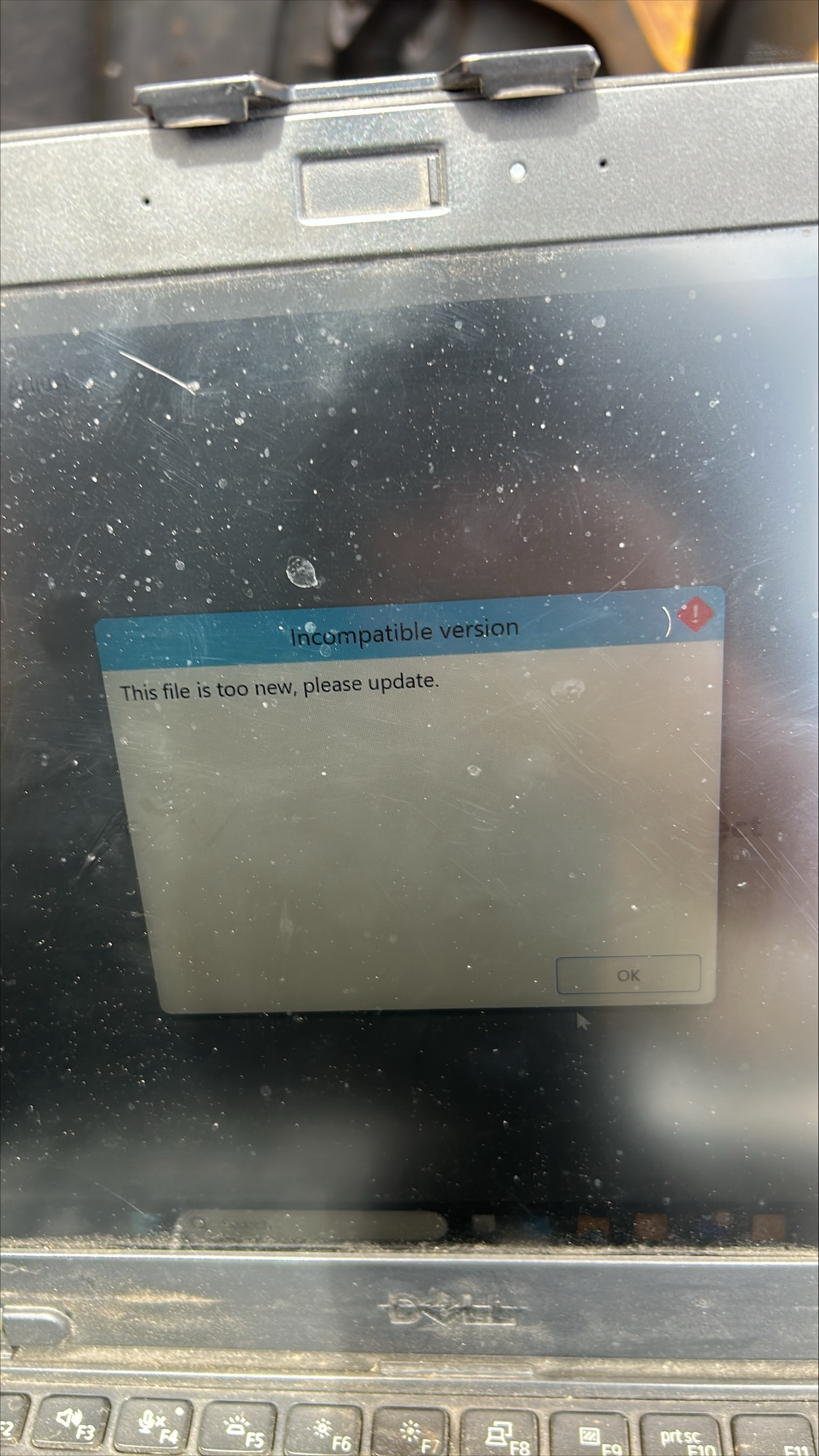
Improve IQANRun message when an incompatible version file is attempted to be sent
Lots of field service technicians are confused by the "Incompatible Version. File is too new, please update" message. We include a message in our software release notes if the IQAN Version is updated but the technicians don't always connect the dots that IQANRun needs to be updated when they get this message.
The message text should be improved to avoid confusion. One suggestion is the message could include the IQAN Version of the file they are trying to open and their current IQANRun version.
The message could also tell them to update IQANRun instead of just say "please update".

Scale MD5 display in simulation
Can a scaling feature be added to IQANsimulate so that you can see the full display when simulating a portrait MD5-8 or MD5-10 on a standard 1980x1080 monitor? Below is a screen shot of an MD5-8 and MD5-10, both in portrait orientation and the bottom of the display is cut off when simulating.

Using MD5 as sole master module for machine functions
With the recent obsolescence of the MD4 modules, will the MD5 modules be able to be used as the sole master module and control machine functions in conjunction with expansion modules?
What are the risks of using the MD5 with expansion modules (XC43, LC5, XC23, etc.) to control machine functions without additional master modules?
I know another post implied that the main concern with not using the MD5 to control machine functions was the slower cycle time, but it appears that issue has somewhat been fixed with the lower minimum cycle time now listed at 20ms for the MD5. Is that no longer or less of a concern now?
We have had many bad experiences with multi-master systems, so I would like to avoid going back to an MC43 module, if at all possible. We've been using the MD4 modules with XC43 modules to control machine functions with very good success with a cycle time of 50ms, so the cycle time would not be an issue for us unless there are other limitations of the MD5 that make it unreliable for machine function control.
IQANdesign lets me use the MD5 as a direct replacement for the MD4 modules without any warnings about not using it in conjunction with expansion modules to control machine functions.

Changing adjust items from iqan design
It seems like a missing feature in IQAN Design is the ability to change the states of adjust items from IQAN Design code. For instance if I want a user to be able to change a number using the adjust menu, but then after a certain time or without usage, change it back to its regular value. Or if I have a digital parameter and want it to switch back off directly after clicking it to true.
Is there a work around to get this functioning currently?
Customer support service by UserEcho


