
 Adjust group default values
It would be nice if the software allowed us to tailor what we wanted to see inside each of the adjust groups.
Example: If I wanted to see the default value of an adjust item but did not care to see the order in which it was in I would just right click order and select default value... or if i wanted it to show just the name min mix default value and step size...
The default value is the big one though.. right now for me the fastest way to check all my defaults is to simulate the program and go to the adjust groups and run down what all my defaults are to make sure they are what I want them to be.

 Machine Number Identification
Hello,
Recently I had an issue where code meant for machine A was uploaded onto machine B, and machine B was able to halfway function. To prevent this issue in the future, I want to have some sort of identifier that the MD4 or MDL2 can read and either continue running or throw a message saying "Incompatible Code" and quit.
So far I have thought of a few possible solutions. If possible, I would like to do this over CANbus so I don't use up input pins.Ideally, it would be nice to have a module that broadcasts a serial number or identifier over CANbus that the MD4 can read and compare to a list of acceptable machines. Another idea would be to have the MD4 check a certain "identifier" module's address and only run the code if it can find it. Worse case scenario, we can use some sort of hardware tag, like a resistor, to send a voltage to one of the input pins.
Since I am a novice with IQAN software, I am curious if you have any better ways to do this. How would I implement such a feature?
Thanks for any help, I appreciate it!

Array issues / improvements
Since there are no DM1/DM2 blocks to send out 1 or more faults yet, (hint!), I'm trying to implement it myself, using Array blocks. It works, BUT:
- No Array support on MC3 (for safety reasons? why?)
- No looping or "Add" functions to construct the list dynamically
- Arrays are Float by nature. This is inaccurate for 32 bit UINT DTC codes. Would be nice to have a integer (and if doing it anyway, a boolean) variant
- Ability to fill/insert/operate an Array from another block ("adding itself to the list")
Biggest problem is the MC3, where more than 50% of the CPU is currently spend on sending out DM1 & 2 messages. Which is obviously way overkill, but I don't see ways to do it more efficiently with the available tools.

Select multiple channels in IQANrun

SAE J1939 TSC1
Is there a way to set the J1939 Source Address field in the TSC1 command to an Integer Parameter? That was we can install the same crane software on different truck chassis with different engines.
Cummins/PACCAR like to use SA 7 for TSC1 control. Detroit Diesel likes to use SA 231. It would be nice to allow the J1939 SA field to look at an integer parameter and adjust the code accordingly.

test question - is it possible to open more than one iqan design program at the same time?
Idea: Ability to change TP channel value using Qcode
Ability to change TP channel value using Qcode like:
if VDIN-Choice1 = true then TP1 := "Your choice value is:" + MAC-value1 + " that is under the limit"

IQANrun 3 Free app available on App Store
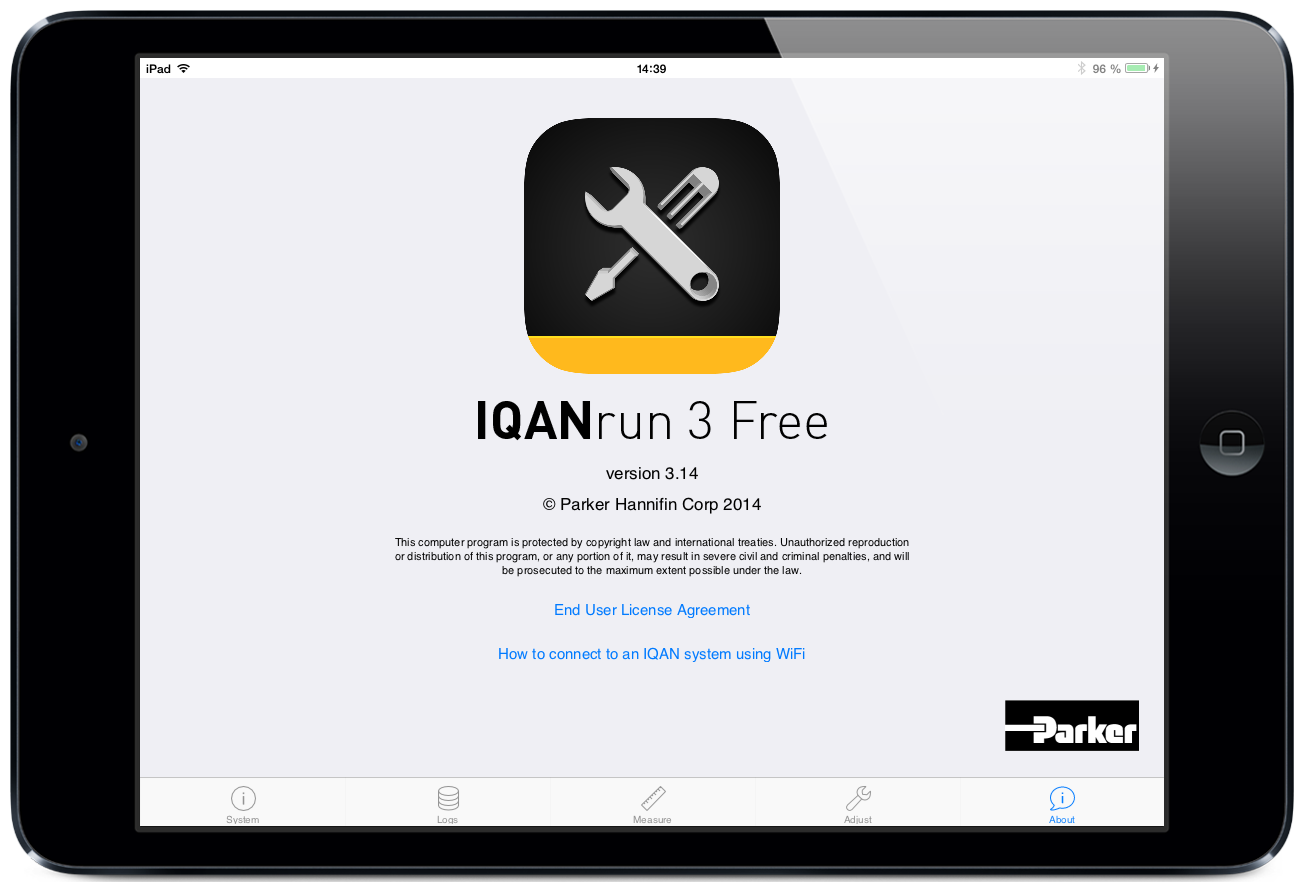
IQANrun takes the first step to mobile devices. With this free version you can perform some basic functions like, viewing system status, logs, measure and adjust.
Today the app works with IQAN-MD4 and basically it allows you to do the same things as you can do in the IQAN-MD4 systems menu.
Future releases will come with Android versions and Pro versions will include more functionality such as SW update, settings viewer, save logs and graph measure.
Please see the attached presentation and press release for additional information.
Press release - IQANrun 3 Free.pdf
Presentation - IQANrun 3 Free for tablets.pdf



J1939 at 500kbps
Please add selectable baud rate for J1939 busses as well.
Thanks for your great product.
Customer support service by UserEcho


