
 MD4 Graphics Options
Another nice option would be to be able to fill in areas bounded by lines with blocks of colour which could be selectable by another channel. I know that this is possible by creating colour images and then imputing them but this would be a much easier method.
Another thing which we seem to get requests for regularly is the ability to graph items on screen. I have asked whether this might be possible before but up til now this functionality has always been too video processor hungry - I wonder if the new spec of the MD4 might now be able to cope with it?

Visual compare tool
Because for big project the text files compare is difficult to use.

web interfacing options for G2
Might be dreaming, but if I could get either Myspace.com former webdesign abilities or Obsidianportal.com wiki design abilities that would be awesome. Would like to put up banners and backgrounds for my company along with links to my company website.
Javascript would be cool, though I think basic html would be enough.
For the automatic reports, I want to be able to have the server login to the machines each day and try to extract some fuel usage and performance. Logging in with IQANrun is nice, but I want the machine and server to contact me.
I can setup text messages from the machine. So that is cool. However, some of my programs are maxed out in memory, and it would be nice to put the burden on the server instead of the controllers since I perceive that the server would be better at the job. Should be cheaper than adding a module for memory or something like that, though I could be wrong.
(some of my machines just have many options all in one program)
Summary:
Ability to setup automatic reports on machine stats collected and distributed by the server
Ability to set backgrounds, banners, and general appearance for customers looking at their web portal
Ability to create wiki pages for the customer management of their machines

Configurable sample rate in IQANRun mesurements and graphs
Some signals we are trying to log over a few minutes makes for huge files that are difficult to manipulate in Excel.
I would like to see the possibility to log parameters at 500ms, 1s, 10s, 30s intervals.
Thanks !

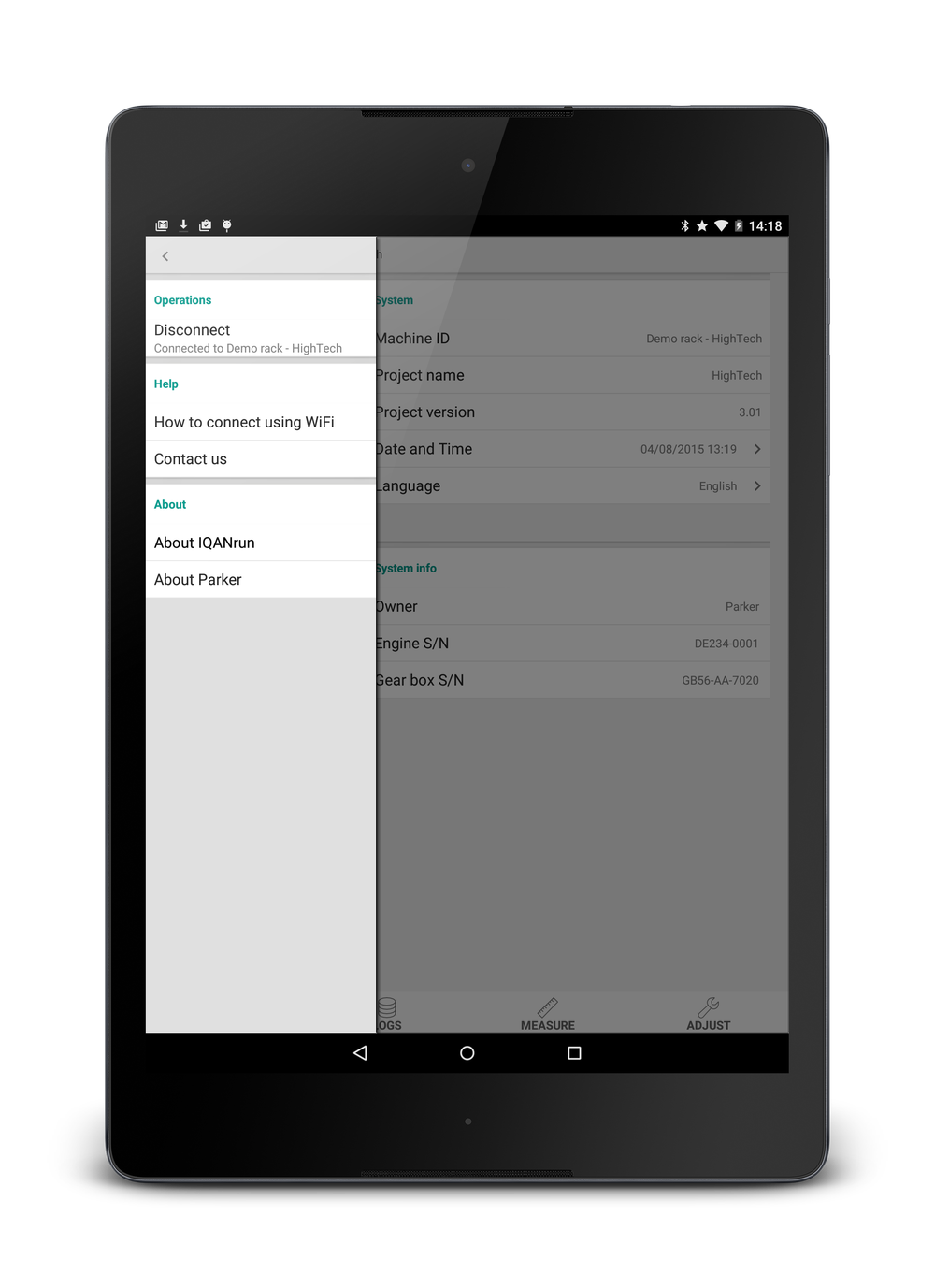
IQANrun Free for tablets 3.16 now available
What's new?
- Now with support for Android tablets
- Portrait mode support
- Logs: Refresh button added
- Adjust: Reset to factory default added
- About tab changed to drawer menu
- The usual performance and stability improvements



partly locking of application in IQAN design
Hello!
we have a costumer, which would like to make an CAN-Interface for different trucks by himself.
We would like to allow this only, if we can lock in our application all things, except CAN-Interface Module for Truck.
I have tried to make some locks in the application, but this is not possible as I needed. For example I cannot lock the Menu.
Is there a possibility to lock everything, except one software module?
If not, can you program something for us?

IQANscript 4.00 released
Highlighted features
Improved layout of script pages
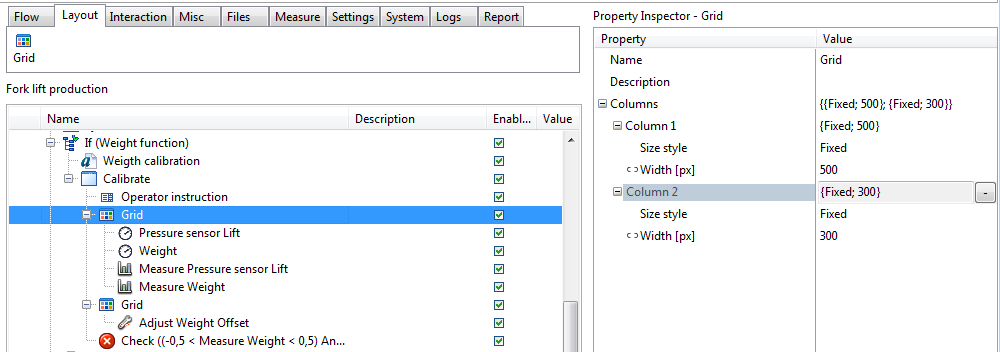
New script control - Gauge
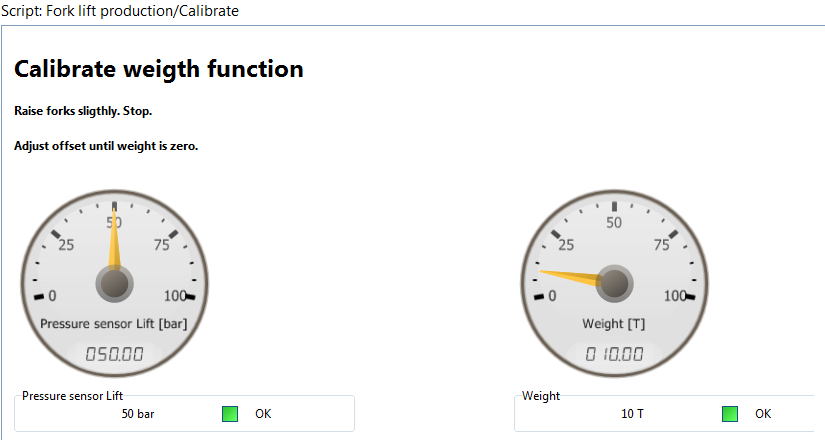
Script debugging
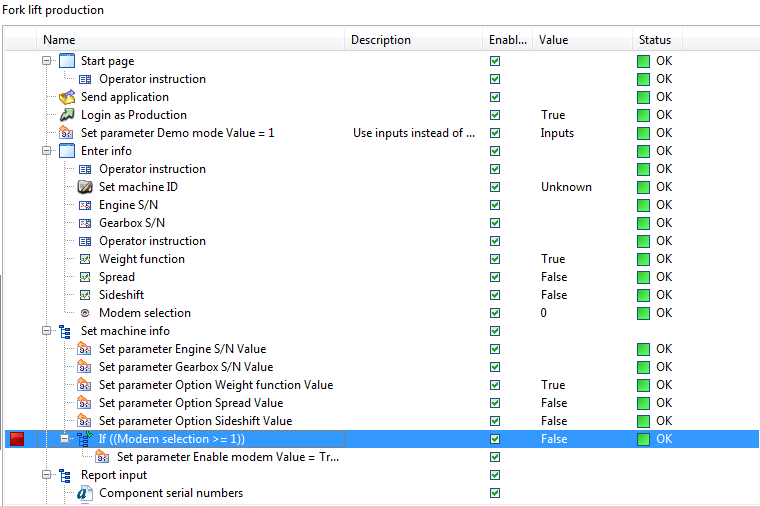
Call external software

For more details, see release notes.

 MC3 APP In Problem
I have a problem with a system that uses APP in and out between three modules, one MD4, two MC3. I have found that one MC3 does not appear to be receiving APPIN's. When I monitor the modules in IQAN Run, all modules appear to be talking successfully. When I look at IQAN Design the APPIN's on the module that's faulting says Error, Timeout and its red not green. On the module that's sending the APPOUT, the function block APPOUT is green and OK. Its almost as if the modules are not starting at the same time and the timeout for the first APP in to be received is being reached?
Is there any way of finding out more information about this error?
The machine was working OK for some time and it just happened randomly and now im unable to recover the machine. We also have other machines running this software and same software version and it appears OK.
I have extended the 50ms cycle time to 100ms,on all three modules with no success. Is there any reason why this could have happened? Running Design 3.19.9.

Mode selector for "Text Formatting Channel"
It would be nice to be able to assign a State machine or parameter to a "Text Formatting Channel".
I have a situation where I have "Group A", 10 Text Parameters with with a state machine (10 states) assigned to it. And a "Group B" of 15 Text Parameters with a 15 state machine. I would like to use a Single Text formatting channel to Add Group A to B for certain situation.
Trying to display the text on the screen currently is painful.
Also on a separate note it would also be nice to be able to use a Text Formatting Channel in a Text Parameter.
application input output vs j1939 input output for master modules
If I understood it correctly, an MC2 master received a digital value from an MD4 master module via an application in/out pair.
Then in another location in the program, the MD3 and MD4 exchanged information through J1939 pgns.
How do I know when to use Application in/out or J1939 in/out?
Customer support service by UserEcho


