
 Property Inspector Input Channel - "contains" search, or Boolean search
When selecting the input channel to be used for a gauge, or value on the display it is nice that you are able to just type in this field and it will bring up selections. However this only works if you start with the same name as the input channel. It would be great if you could use wild cards, boolean type, or "contains" searches in this field.

Dual Axis bubble level
i.e. What I am trying to create is a virtual dual axis bubble level similar to the one on most smart phones.

IQANdesign 3.19 released
Important problems solved:
26199 MD4: Blue screen due to utilization peaks. Fixed.
26227 MD4: Not all CAN frames are sent Under rare circumstances some CAN frames would not be transmitted. Fixed.
26686 MD4: Cant download to multimaster system with many MD4. Fixed.
If you are using the IQAN-MD4, it is recommended to update to this version.
For more details and other cases, see:
http://divapps.parker.com/divapps/iqan/Downloads/IQANdesign%203/ReleaseNotes3.19.7.htm

IQANsimulate 3.15.15 released
ReleaseNotes3.15.15.htm
IQANdesign 3.16 released
Highlighted features and changes
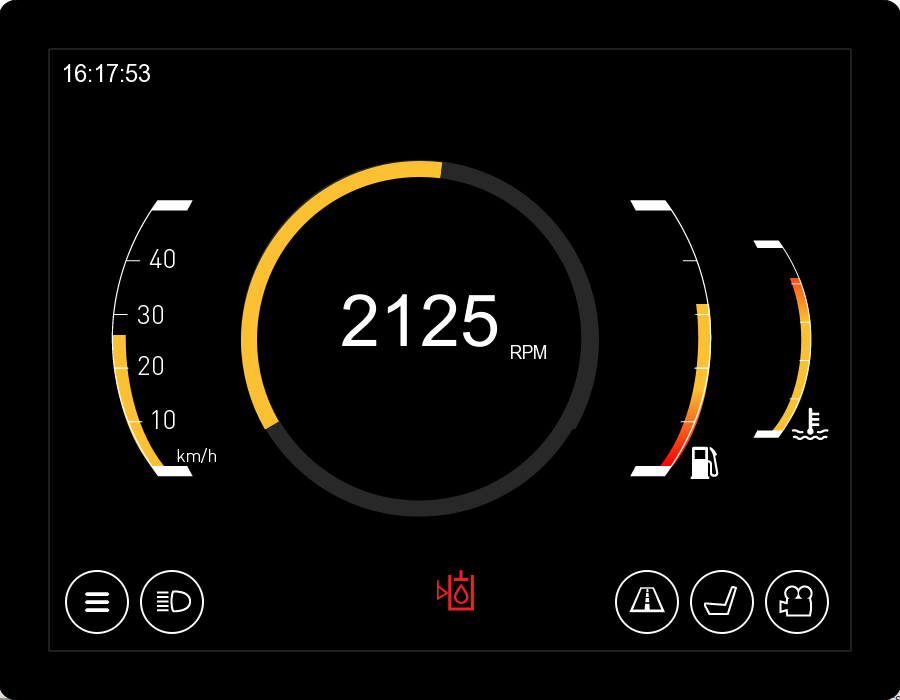
1810 Add new module MD4-10
The 10" (26cm) version of the MD4, the IQAN-MD4-10, has been added to IQANdesign.
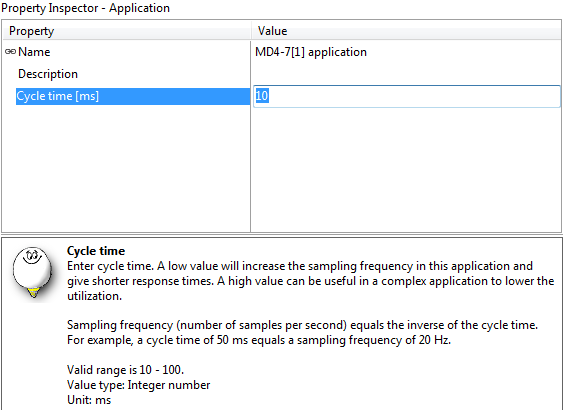
24020 MD4: Decrease minimum cycle time
The minimum cycle time on the MD4 (all versions) have been decreased from 25 to 10 ms.
Highlighted problems solved
24563 MD4: Backlight flickers in supply voltage range 12-14V
The MD4 had a function that automatically reduced backlight for supply voltages <14 V. This reduction caused the display to flicker for small supply voltage variations in the range 12-14 V, and has now been removed.
Note: There will still be a decreased backlight intensity below 12.5 V due to hardware restrictions.
For complete release notes on IQANdesign, see:
http://divapps.parker.com/divapps/iqan/Downloads/IQANdesign%203/ReleaseNotes3.16.8.htm

 can variable updating
Has anyone else had an issue with spn warnings getting stuck on?
They update when I pass another spn message on the can, but some don't seem to turn off until instructed of another change.
Is there a way to trigger my spns to be checked and updated?

DMAC & MAC - Store Value - New property request
A store value property in the DMAC/MAC makes it a bit neater.

Backlight auto-adjuste
Hi
My customer use product during the day and the night. The problem is in night the backlight is too hight. It is possible to change with the menu, or with a button to switch in night mode. it's work but is not auto-adjuste.
Three possibility to do an auto-adjust-backlight
1 - add a light sensor (light Garmin GPS)
2 - add a function who calculate the sunrise and sunset with latidude/longitude in input. I have made this fonction it is works great. But if the system loose date or the customer change place (it is possible with our product), it doesn't works. Like that there a number 3
3 - add a GPS module on your module (now a GPS module is very low cost (5$)), like that always on time, you have the real speed, and you can use the auto-adjuste-module
Regards

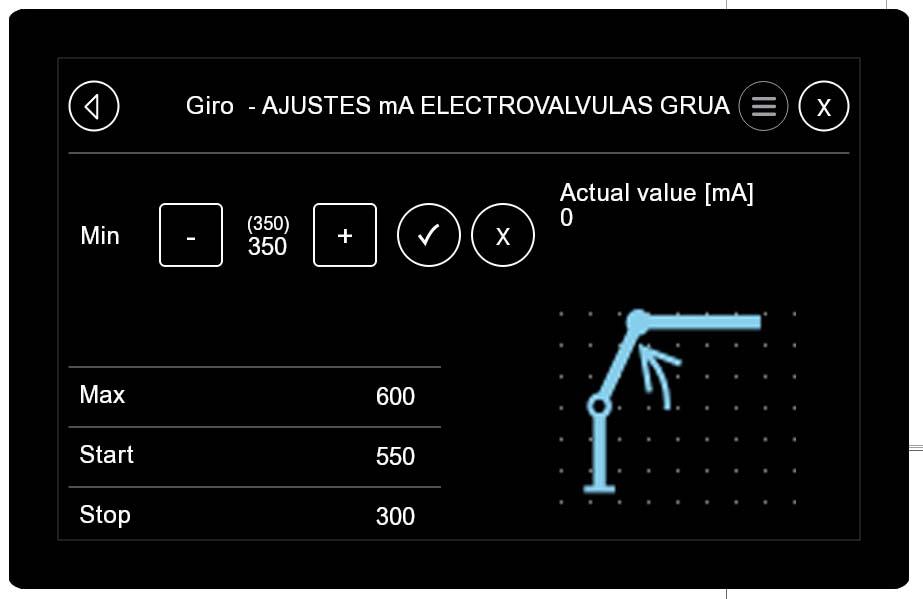
New stile for adjust menu
Hello.

MDL TO MD4 CONVERSION
I new here, and new to the software platform, so hello to everyone. Although I am new to the IQAN platform I am very familiar with PLC programming and basic logic.
I am tasked with converting a bunch of MDL programs to MD4's (as we aren't going to be able to get any MDL's soon) and as I dive into this it seems like there should be a much easier way to do it.
Can someone do a quick write up of the most efficient way to complete this task?
(IQANdesign 4.01.11.4175)
Customer support service by UserEcho


