Iqan TALK version
Hello,
I renew my question here, how many version of IQAN TALK exist?
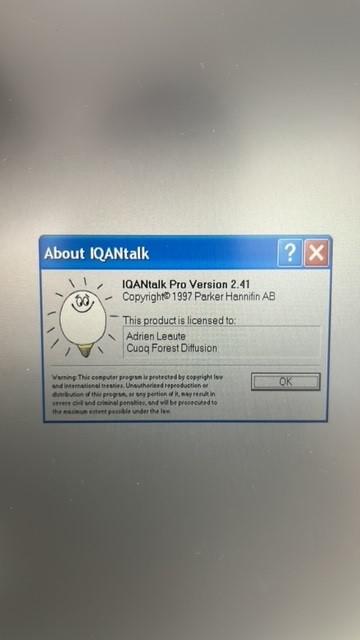
mine is Pro version 2.41 and I think the reason why i can connect the machine as the message says in my laptop is because the software is to old so I would like to install a different version of TALK
thanks in advance
Br
/Adrien

 screen shots save location
It would be nice if when you make a second screen shot, the save location is the same as the one you used before.
Now every time you make a screen shot you need to navigate to the save location you want to use.

IQANanalyze Not Populating all ID's
In the master list of CAN ID's there are alot of them missing, but if you go to filter a message you will find it. And if you select only that message it will appear then.
Ex 1218 does not exist when you show all ID's, but if I filter 1218 only then I can get the data.
When you are trying to reverse engineer a CAN bus and need to quickly know all ID's that are being broadcasted on the bus, this is a Major issue. Spent hours wondering why my CAN router was not working, Its because I am missing ID's that I did not know existed.

IQANdesign 6.08.32 camera update
Camera ISO 17215 compatibility
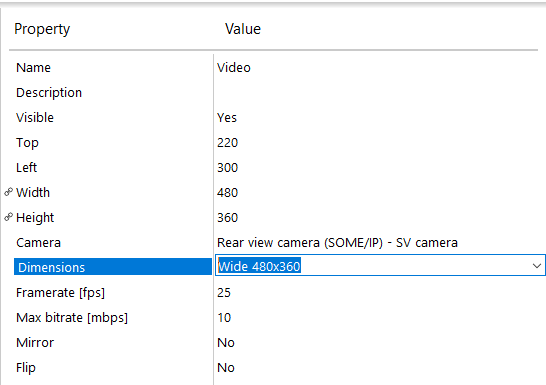
In IQANdesign, there are two camera modules, the SV camera and Generic camera.
An advantage of using the SV is that more properties can be changed by the application; for example framrate, mirror and flip.
The interface between MD4 and IQAN-SV camera is the standard ISO 17215 (Road vehicles — Video communication interface for cameras), using SOME/IP for communication.
With IQANdesign 6.08.32, support for this protocol has been improved to make it possible to use cameras from other suppliers in the same way as an IQAN-SV camera.
Download 6.08.32 from IQAN store
Previous IQANdesign versions have a problem with downloading via the check for updates function, to update download 6.08 from https://www.iqan.se/downloads.html

Reading position of J1939 joystick
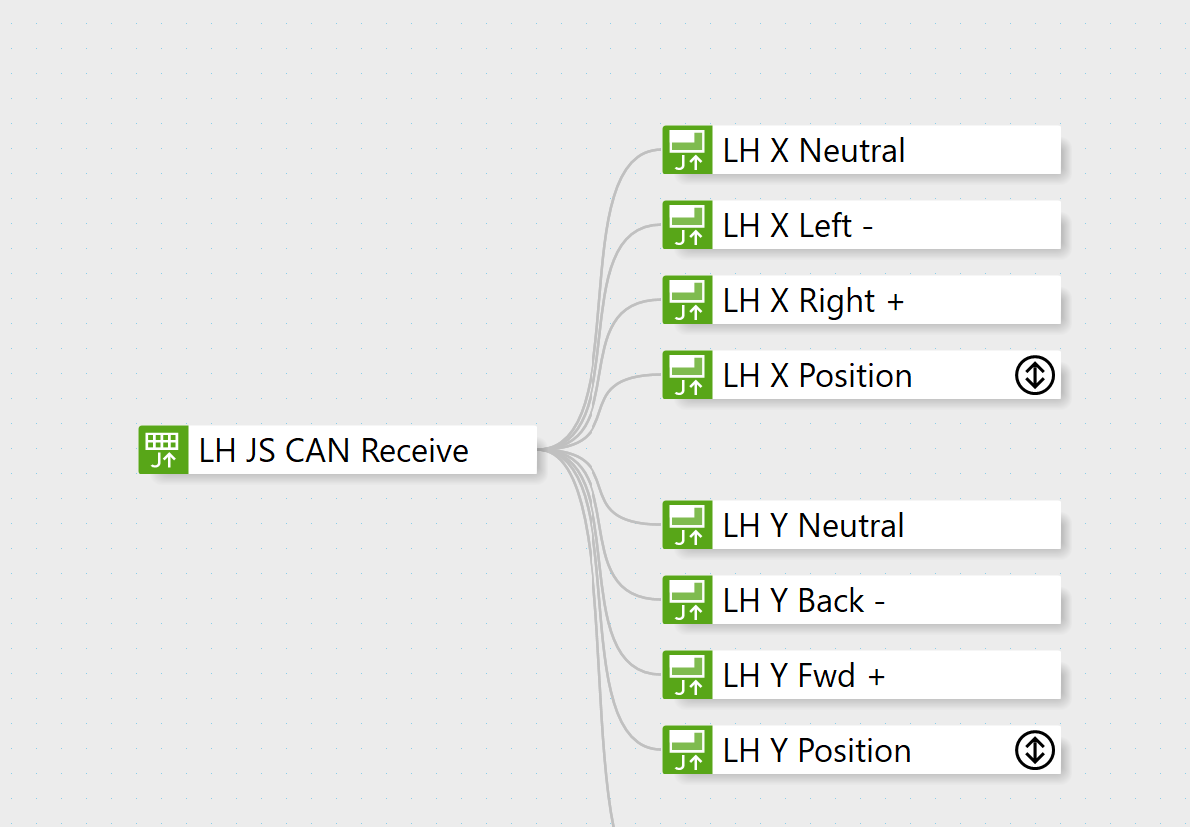
Using an old Danfoss JS700 J1939 joystick and having trouble getting a position reading. I believe I have the correct bit parameters assigned, source address, PGN and I am getting a good metered reading on the wiring. I am wondering what other parameters I'm missing.
Why can J1939 Parameters only have lengths of 1 bit, 2 bits, 4 bits, a Byte or 2 or 4 bytes and not any specific bit length?
Can anyone advise why Canbus parameters in Designer can only be 1,2,4 bits or 1, 2 4 bytes in length? I ask in that I have a device that Im connecting to that has parameters of 14 bits, followed by 5 bits then 9 bits lengths etc because that optimizes their use of the bus for the data types they need. I can of course achieve the same by defining an interim Byte 1 through 8 integer math channel and use heaps of shift left and shift right and band functions to build my own structure. and then add into byte by byte parameters.
If the parameter channel allowed length of any bit value then we wouldn't have to jump through hoops to build our own structure just let designer do as it does already for the existing options?
Or is there some other SAE standards related reason why that can't be done, in which case the manufacturer of the device Im trying to connect to must be out of standards?


Generic Frame out / in with 32 byte data length
I have an application where the IQAN system need to communicate with a other CANBUS controller via CANopen. 11bit identifiers are used. Unfortunately the data length is often packed in a data block up to 32byte. IQAN is limited to 8xbytes. Is it possible to extend the length??

Delay at property
Hello,
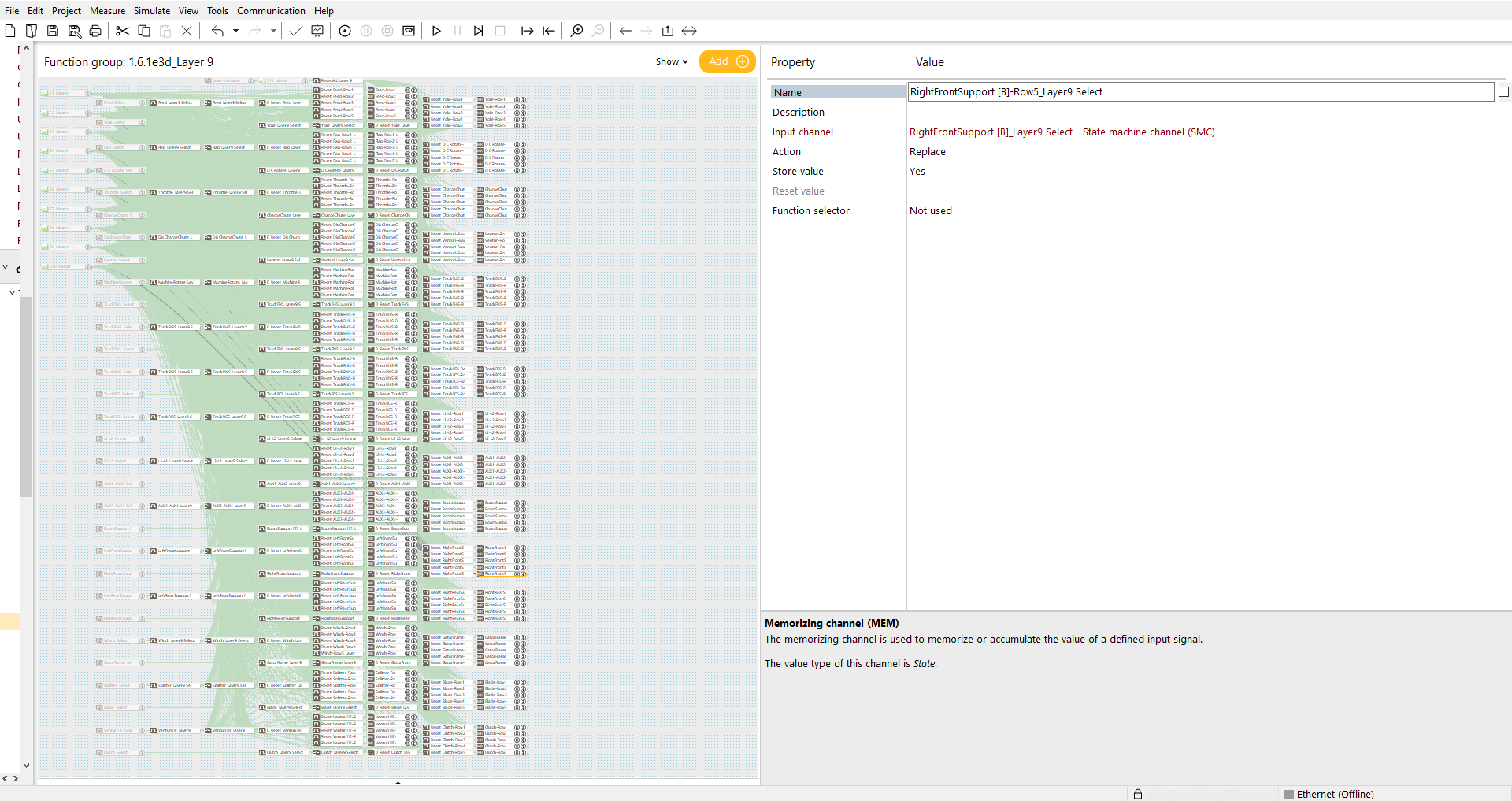
When a Function Group is provided with appr.150 MEM channels and appr. 30 controlling SMC and appr. 200 IDC (see attached file) and a random propery needs to be changed, there is a great delay to enter the property or to navigate or to save the changes that have been made in the proporty. (very time comsuming)
Is this a normal phenomenon? Do I have to keep the Function Group with less contents to keep the (working)speed ok?
I'm using the latest IQANdesign version (6.08.30.8216)Property Delay.png
J1939 Timeouts what really happens on an IQAN master when one is sensed
Hey People
Im interested in what occurs on a IQAN master when a Timeout that is attached to a J1939 JFIN occurs. I cant find anything int he manual that comes with Design and suspect that teh standards might well cover it, but I dont have them.
Why the question?
I have a 3rd party J1939 module on an MD4-10 Canbus C bus that is shared with a wired CanOpen remote and a wireless CanOpen remote. Due to e recent change requested of me I was seeing disconnects occurring with the module that controls the engine RPM via a 0-5V output. When the module disconnected it never reconnects, until I shut down the IQAN master and restart it. The disconnect next time occurs at roughly the same sequence of events that caused the first so its repeatable. prior to the last change I made in the throttle control we had seen very occasional disconnects, but with the change it occured every time we tried to advance from high idle to work rpm
I changed the 2 JFOUT channels from "Continuously" (100mS interval) to "On change" and changed the JFIN timeout from not set to 300mS (The device was set to continuously every 100mS). This meant that when the disconnects occurred and they still did at the same point in sequence but within a short time after the comms were reestablished. The small timeframe of disconnect meant that the end rpm on the engine may not have ended up being exactly what it should have been but any subsequent press of a throttle control that resulted in a changed frame value meant that we got what we needed. I suspect that the issue was actually solved by the timeout on the JFIN and not the change to the JFOUT frames. I didn't have sufficient time on the machine to test this, but will make a new load including this change for the next mechanics on site.
So:-
1) what exactly does a timeout occurring trigger within the master, why does it reconnect when it didnt without the timeout set
2) How can i fault find the disconnect and understand why its occurring. The other bus members are not disconnecting and we are seeing no remote lag that might be a disconnect reconnect process occurring. I presume that our USB canbus dongle wont help because what ever is occurring is probably outside of the j1939 protocol and further down the stack closer to the physical interface? Logic Analyser??? Which is probably as big a project in itself as the whole rest of the design project
Would appreciate any guidance from you who have been here before
Ive attached a subset of my project (First line of the post) that relates to the J1939 module I'm talking about. The settings are as they were when the issue causing the disconnect occurred.
Andy
Customer support service by UserEcho